
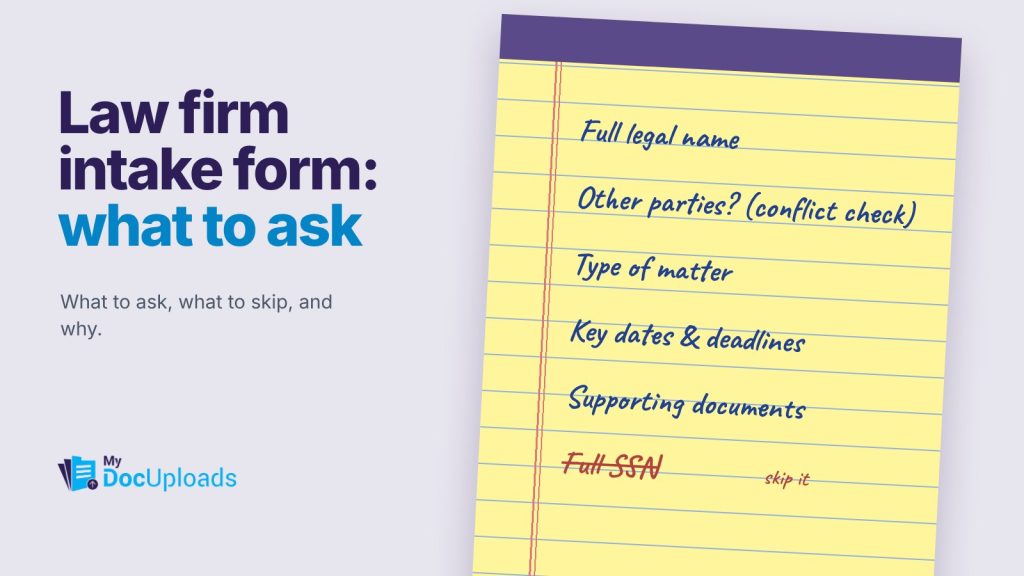
A good law firm client intake form asks for four things: who the person is and how to reach them, who else is involved (so you can run a conflict check), what the matter is about, and any deadlines that are already running. Everything else can wait for the consultation.
Firms that ask too little end up chasing basics by phone. Firms that ask too much get abandoned forms and a pile of detail they’re now responsible for protecting. Here’s a question list you can adapt, section by section.
Before you write a single question
Two points shape the whole form.
Prospective clients are owed confidentiality too. Under ABA Model Rule 1.18, information a prospective client shares with a lawyer is generally protected even if the firm never takes the matter, and receiving certain information can affect who else the firm can represent. That’s a reason to ask for enough to run conflicts and triage the matter, but not the full story, before you’ve cleared conflicts. Your state’s version of the rule governs.
The form is a front door, not the file. Intake collects information. Documents, signatures and passwords each have a better home, which we’ll cover below.
The question list
1. Contact details
- Full legal name (and any other names used)
- Preferred name
- Phone, email and mailing address
- Best way and time to reach you
- May we leave a voicemail or message at this number? (Yes / No)
That last question matters more than it looks. A message about a divorce or an employment dispute left on a shared phone can cause real harm.
2. Parties involved (for the conflict check)
- Names of the other parties, including businesses
- Names of any related people: spouse, business partners, family members involved in the matter
- Any lawyers already representing anyone involved
- Have you spoken to another lawyer about this matter?
Ask for names and roles only. You need enough to search your conflicts list, not the whole history.
3. The matter, briefly
- What do you need help with? (A short dropdown of your practice areas, plus “Other”)
- In a few sentences, what’s happening?
- What outcome are you hoping for?
Add a short note above the free-text box: “Please keep this brief. We’ll go into the details once we’ve confirmed we can help.” It sets expectations and limits what arrives before your conflict check.
4. Deadlines and urgency
- Have you received any court papers, letters from a lawyer or government notices? If yes, on what date?
- Is there a hearing, closing, filing or other date coming up?
- When did the main events happen? (Approximate dates are fine)
These questions catch the urgent matters early, so they reach a lawyer the same day.
5. Practical details
- How did you hear about us?
- Is anyone else helping you with this, such as a family member?
- Do you need an interpreter or any accommodation for meetings?
Practice-area add-ons
| Practice area | Add a few questions about |
|---|---|
| Family | Children’s names and ages, existing orders, safety concerns |
| Estate planning | Family members, approximate asset types, existing wills or trusts |
| Personal injury | Date and place of incident, insurance carriers, medical treatment so far |
| Business | Entity name and type, owners, the contract or dispute at issue |
| Employment | Employer name, dates of employment, the decision being challenged |
What not to put on the form
- Government ID numbers. Unless you truly need them at intake, leave them for later.
- Passwords or account logins. Never in a form field. If a client must share one, use a one-time link like MyDocUploads Secure Drop, which expires and records when it was opened.
- Signatures. An engagement letter needs a proper signing record, not a checkbox. Send the PDF for e-signature with MyDocUploads Sign once you’ve cleared conflicts.
- Document uploads. Ask what documents they have, then collect the files with a separate secure upload link.
Many firms also add a short statement at the end, such as “Submitting this form does not create an attorney-client relationship.” Check your state’s rules and ethics guidance for the exact wording your firm should use.
Building the form in MyDocUploads
In MyDocUploads Flow, forms, intake and templates are the whole job. You start from an intake template, edit every question in your own words, and publish a secure link. For sensitive practice areas you can add PIN protection, so only someone with the PIN can open it.
Submissions arrive in the workspace where you created the form, and respondents don’t need an account. Your team reviews each response there, runs the conflict check and decides on next steps. When you take the matter, documents come in through a file request in the same workspace, so the intake answers, the files and the engagement letter all sit together. The Core page explains how workspaces and file requests fit together.
A quick review before you publish
- Can someone finish the form in under ten minutes?
- Does every question have a clear reason to be there?
- Is there enough to run a conflict check?
- Are deadline questions near the top, not buried at the end?
- Is there a note telling people to keep the description brief?
- Are passwords, signatures and uploads kept out of the form?
If you’d like to build your intake form from a template and test it on real inquiries, you can start a 14-day trial of MyDocUploads.
This article is general information, not legal, tax or professional advice for your specific situation.
Frequently asked questions
How long should a law firm intake form be?
Short enough to finish in about ten minutes. Collect contact details, parties for the conflict check, a brief description of the matter and any deadlines, and save the details for the consultation.
Why not ask for the full story on the intake form?
ABA Model Rule 1.18 generally protects information from prospective clients even if the firm doesn’t take the matter, and receiving certain information can affect who else the firm can represent. Asking for a brief summary until conflicts are cleared limits that risk. Your state’s version of the rule governs.
Can clients upload documents in the intake form?
MyDocUploads forms don’t include file-upload fields. Ask what documents the client has, then send a separate secure upload link for the files.
Do prospective clients need an account to fill in the form?
No. They open a secure link. For sensitive practice areas you can add a PIN that you give them separately.