
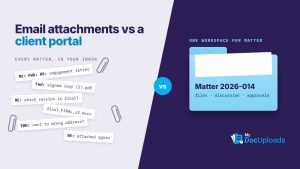
Client Portal vs Email Attachments: What Law Firms Should Use for Client Documents
Email is fine for scheduling, but confidential client documents belong in a client portal. Here’s a side-by-side comparison and a checklist for choosing one.
Email is fine for scheduling, but confidential client documents belong in a client portal. Here’s a side-by-side comparison and a checklist for choosing one.

Send patients a secure link to a PIN-protected intake form, collect insurance cards by upload link, and keep signatures and logins out of the form. Here’s how to set it up.

Send each client a secure upload link tied to their own workspace and a specific list of what you need. Here’s a step-by-step plan, a checklist and wording you can paste.
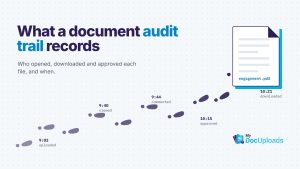
An audit trail records who did what to each file, and when. It shortens disputes, simplifies handoffs and supports the logging HIPAA and the FTC Safeguards Rule expect.
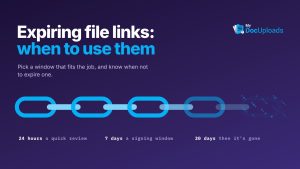
If you can say when a link’s job is finished, give it an end date. Here’s a decision table for secrets, document requests and one-off reviews, and when to use permissions instead.
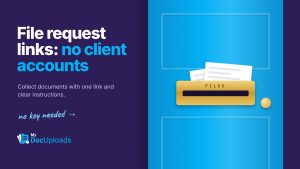
A file request link lets clients upload documents straight into your workspace with no account. Here’s how to set one up, with instruction templates you can copy.
Most signing delays are about open questions and version confusion, not the signature. Agree on the final version next to the file, then send that exact PDF for e-signature.
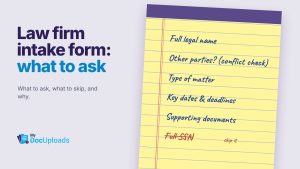
Ask enough to reach the person, run a conflict check, understand the matter and catch deadlines. Here’s a section-by-section question list and what to leave out.

Encryption, per-client access control and a record of every file are the baseline. Here’s a 10-point checklist and the questions to put to any vendor.